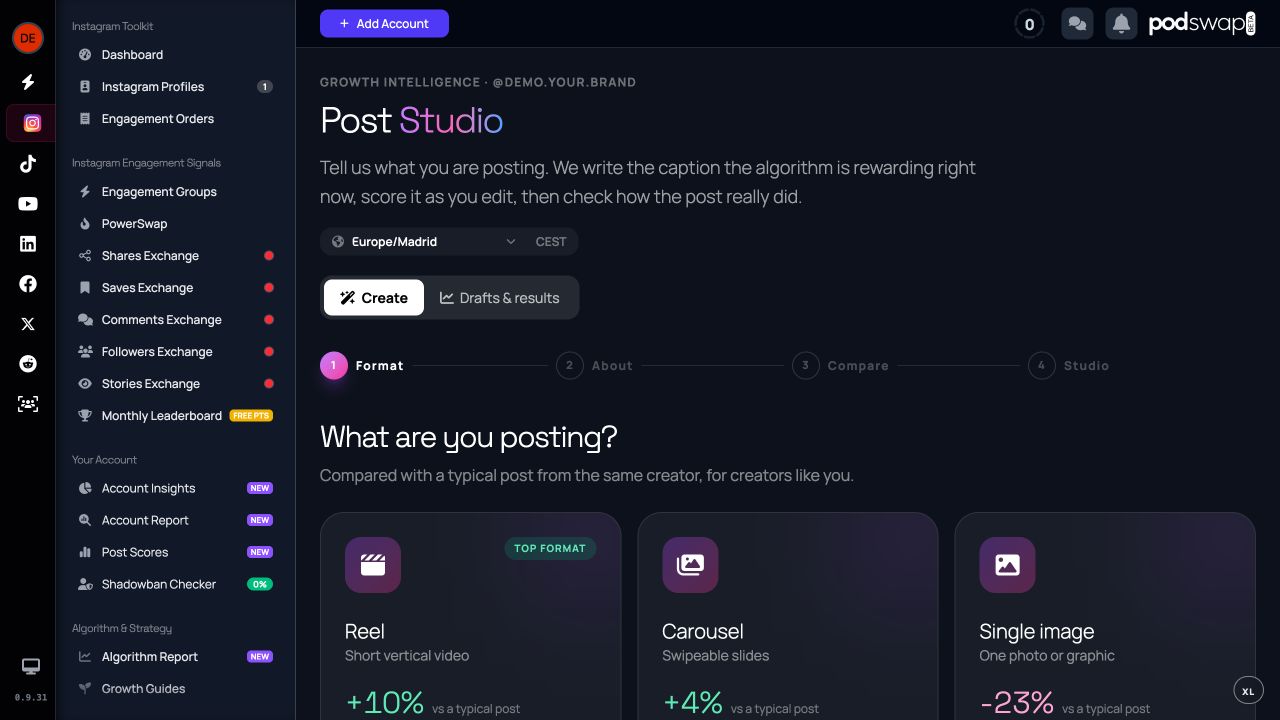
Create a draft
Start with the subject, audience and intended action. Post Studio can generate caption variants so you can compare different openings and tones. Check that each variant remains faithful to the actual post.
Use feedback to edit
Scoring can highlight a vague hook, unclear structure or excessive wording. Review those suggestions in context. You can also use the published-post rewriting workflow where available; editing a draft in PodSwap does not automatically publish a change to Instagram.
Know which allowance applies
Draft generation and improvement have usage allowances. The public caption grader is a separate entry point and should not be confused with automatic Post Scores for eligible connected accounts. Read the current free explanation and account state before assuming every scoring workflow has the same access.
Your next step
See how PodSwap works, browse the tools and exchanges, or read what free participation includes. For step-by-step instructions, visit the help centre.