

Step 1 · In PodSwap
Check the active story
Open the matched profile and follow the task’s directions for its currently available story. Expired stories cannot be treated as completed tasks.
Enter to open · Esc to close
Explore PodSwap
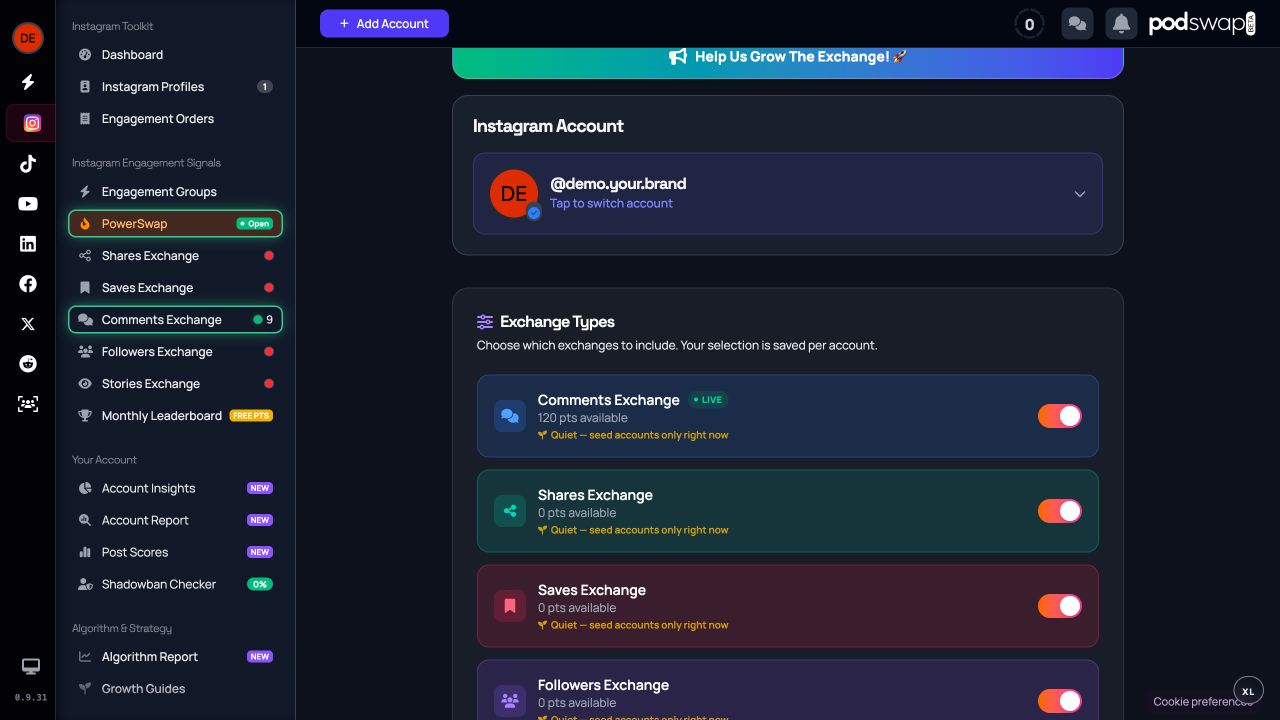
View other creators’ active Instagram stories, earn story points and request views on yours. Free to join; each view is performed manually.
In practice
How to use it
Choose a step to explore. You stay in control.
Step 1 · In PodSwap
Open the matched profile and follow the task’s directions for its currently available story. Expired stories cannot be treated as completed tasks.
Step 2 · In PodSwap
Watch in Instagram and complete any requested proof or confirmation. The exchange cannot infer private watch-time or attention from public profile data.
Step 3 · In PodSwap
Keep an active story available and use your story balance when receiving is open. Story-view matching has its own history and pairing rules.
Try an example
On the free plan, 7 completed actions earn one point in a standard session. PowerSwap takes 6 actions per point. Each exchange keeps a separate balance.
1 whole points earned
Illustration using the free plan’s earning rates. Confirmation, receiving availability and action-specific multipliers still apply. Partial progress carries towards the next point.
Understand points and receiving →Timing
Every exchange is open around the clock. Order engagement for your posts and give to other creators whenever it suits you; nothing waits for a room to fill or a time to come round. What you give goes first to the creators who are giving, so the more you take part, the sooner your own orders are filled.
Then creators owed a little, those who are square, those not giving and those away. How give-to-get works →
Before you start
Every exchange has a separate point balance and is open around the clock. Delivery depends on other creators, confirmation and how much you give, because creators who give are served first. No exchange guarantees followers, reach or account safety.
Free account · Earned points. No card is needed to join. Read the free plan and its allowances →
Free to join · No card required
Help other creators, earn points and receive engagement. No card and no social account password required.
Want to understand the wider idea? Read the engagement pod guide →
Questions
Members manually view matched active stories and follow the confirmation steps. Earned story points can be used to request views on an eligible story when receiving is available.
No. You view stories through your own Instagram account. The service does not hide your identity from the story owner or download the story.
No. Connect your public handle and follow the ownership verification steps. Every engagement is performed by a person, by hand.
No. PodSwap organises participation and provides tools to inform your choices. It cannot guarantee followers, reach, virality or a social platform’s decisions.
Follow the task instructions in your account and visit the help centre for setup and service guides.
Keep exploring
Learn how earned points work, why exchanges keep separate balances and when points can be used to request engagement. Joining is free; participation is required.
Explore →Every exchange is open around the clock. See who is served first, why giving moves your own orders up, and how you hear about the creators who engaged with you.
Explore →Explore the PowerSwap workflow across launched exchanges, its better points rate, separate point balances and the give-back session.
Explore →