

Engagement
How to draft and revise captions in Post Studio
Draft captions for reels, carousels and images, compare alternatives and save your work. Post Studio helps you prepare content; you publish it yourself.
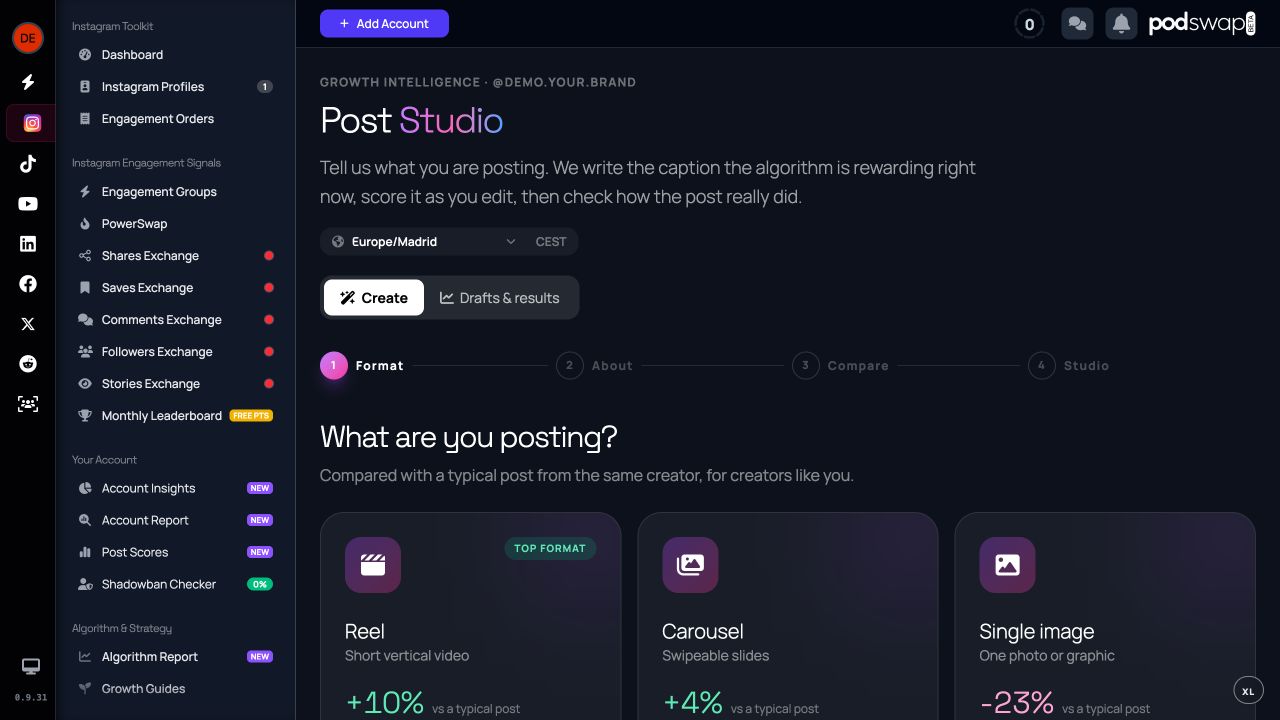
Describe your post
Choose the format and describe the subject, audience and goal. Start from your own writing when you already have a draft. A specific brief makes the suggestions easier to judge.
Compare and improve captions
Review caption variants, edit the words and use the scoring feedback to strengthen your opening, structure and call to action. Keep claims accurate and make the final caption sound like you.
Save, publish and learn
Save a draft, publish through Instagram and return to the associated results when available. You can also start a rewrite from a published post.
Access and limitations
Post Studio does not publish or engage on your behalf. AI drafting and improvement calls have daily allowances. Its caption feedback is different from the restricted automatic scoring of your published posts.
Join PodSwap
Reading about it is the slow way
Every guide here describes something you can do the moment you have an account. Register free, join the community, and swap engagement with creators in your niche.